

Pairing and unpairing
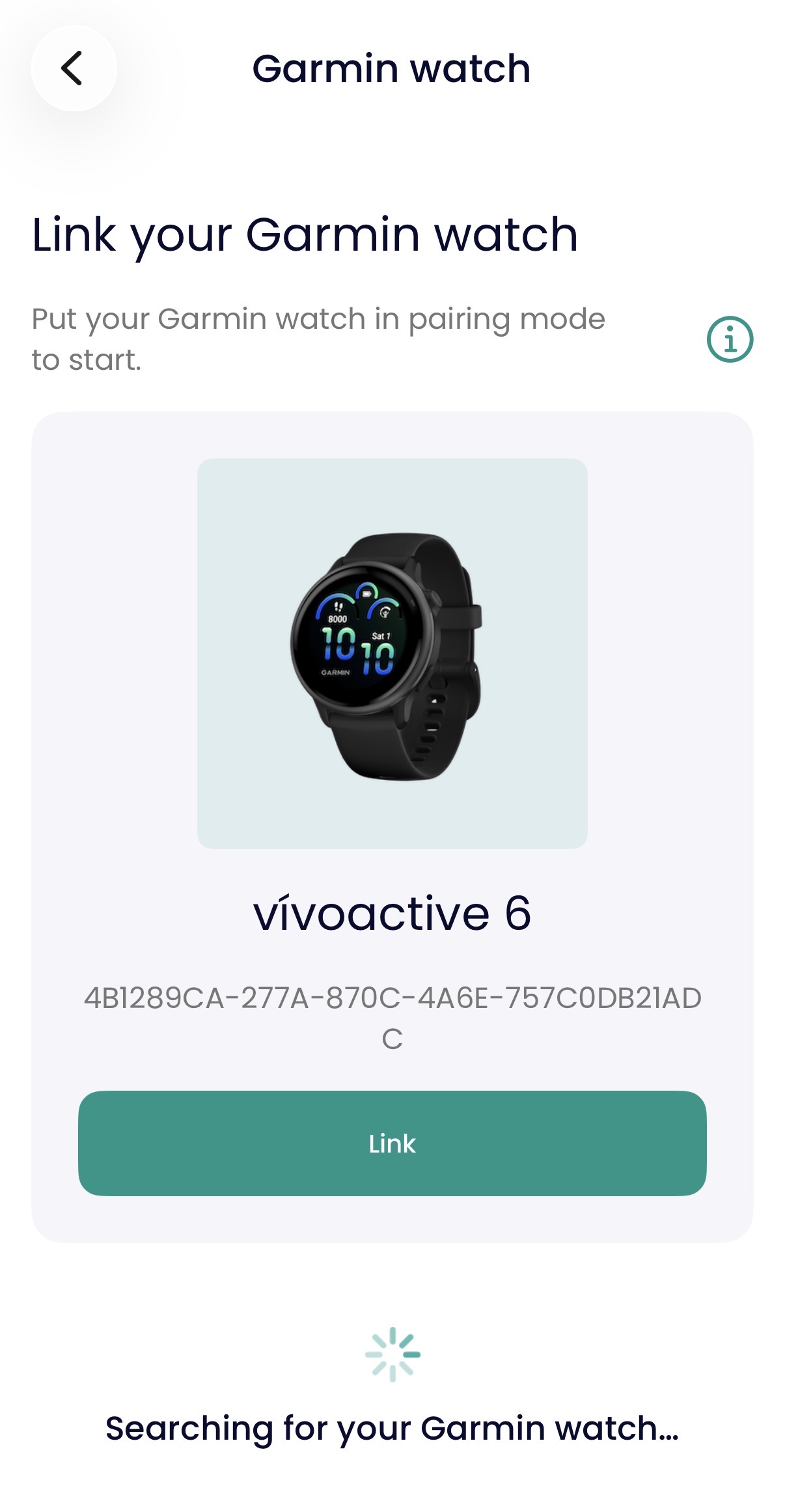
The patient can pair a watch during onboarding, and later from device settings. The patient can also unpair it.
The pairing flow:
Scan for the watch.
Select the watch.
Pair the watch.
Enter personal details — the app supplies the watch with the patient details it needs to produce accurate data.
Pairing instructions are shown in the app. The steps differ by watch model, so the instructions don't assume one flow. All screens are available in the five supported languages.
Device status
The patient can see the paired device, its connection state, and its battery level.
The patient's task: "Wear your Garmin watch today"
When the Garmin parameters are active for a patient with a paired watch, the patient sees one task, Wear your Garmin watch today, however many watch parameters are active.
The task stays open all day and never moves to completed.
Opening it in the app shows the Garmin device screen, not a measurement screen.
A day of synced data appears as one Timeline entry: "You wore your Garmin watch".
Data delivery
The data from the watch reaches the care team even if the network or the platform is briefly unavailable, so a day's data is not lost to a moment's bad timing.
When a watch is handed to a new patient, the app discards the previous wearer's data at pairing. Steps logged before the watch was paired to the patient never count.