

It is not obligatory to fill in the questionnaire in one go.
While answering your questionnaire, you can always go back to the Tasks page or to any other page.
Note: if you close the page or go back to Tasks, the answer to your current question will not be saved. Answers to previous questions will be saved automatically.
On web:
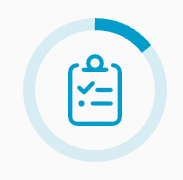
In the Tasks tab, you can find your progress. The progress bar will be displayed on the Questionnaire icon.
In the app:
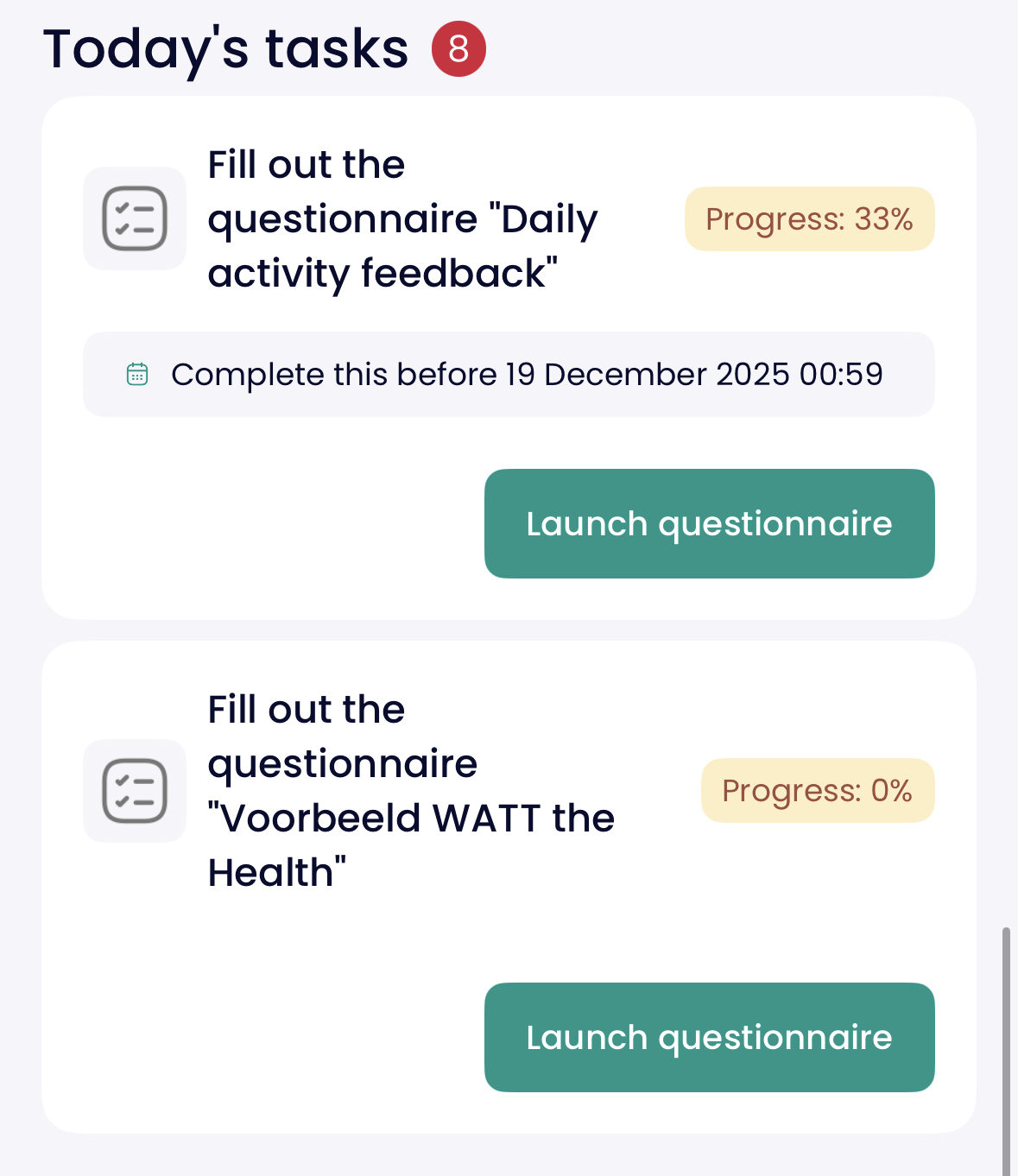
On Today's Tasks, you will see the progress next to the questionnaire's title.
Note: if you close your questionnaire before completion, be sure to finish it before the due date.