
It is possible to join your video consultation either via a browser or the app.
Kindly note, that calls are available some time BEFORE the scheduled time and some time AFTER in case you are a little bit late.
On web:
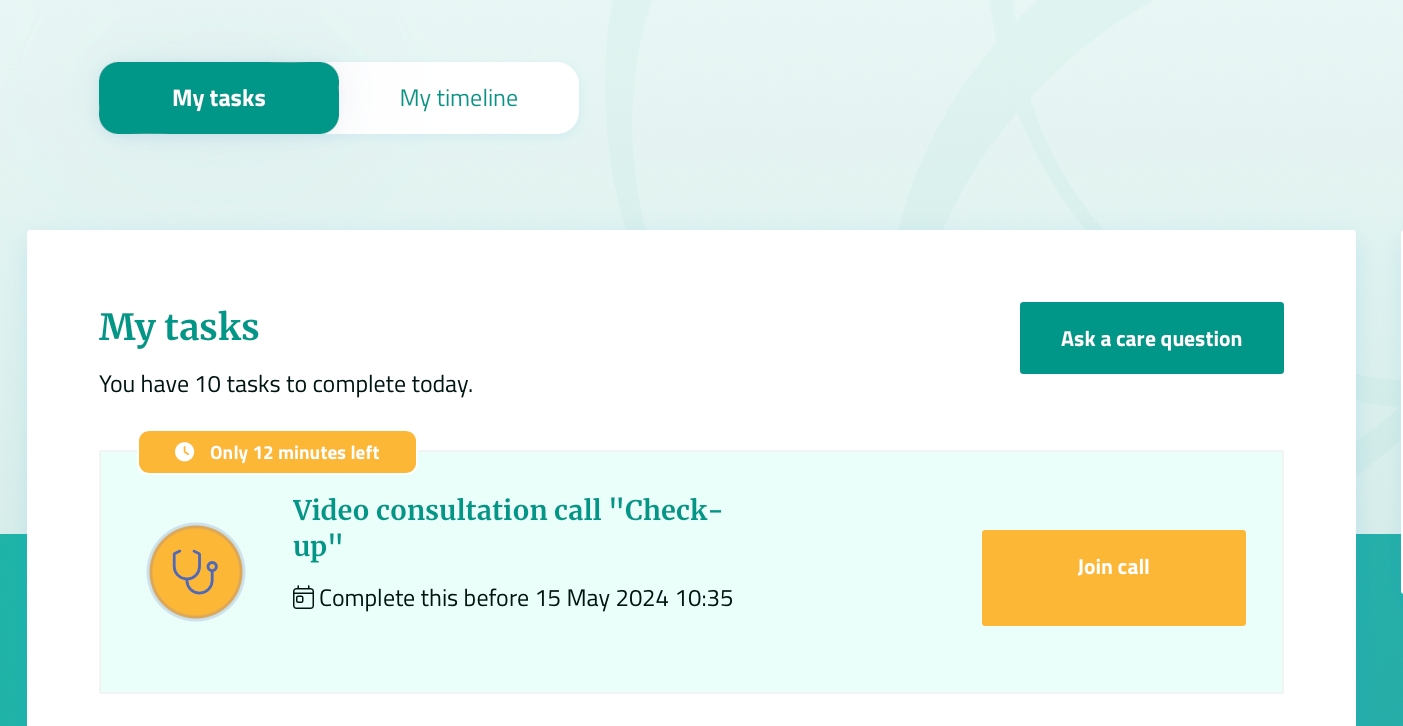
The upcoming video consultation will be the first one on your list of “My Tasks“ when you enter the platform.
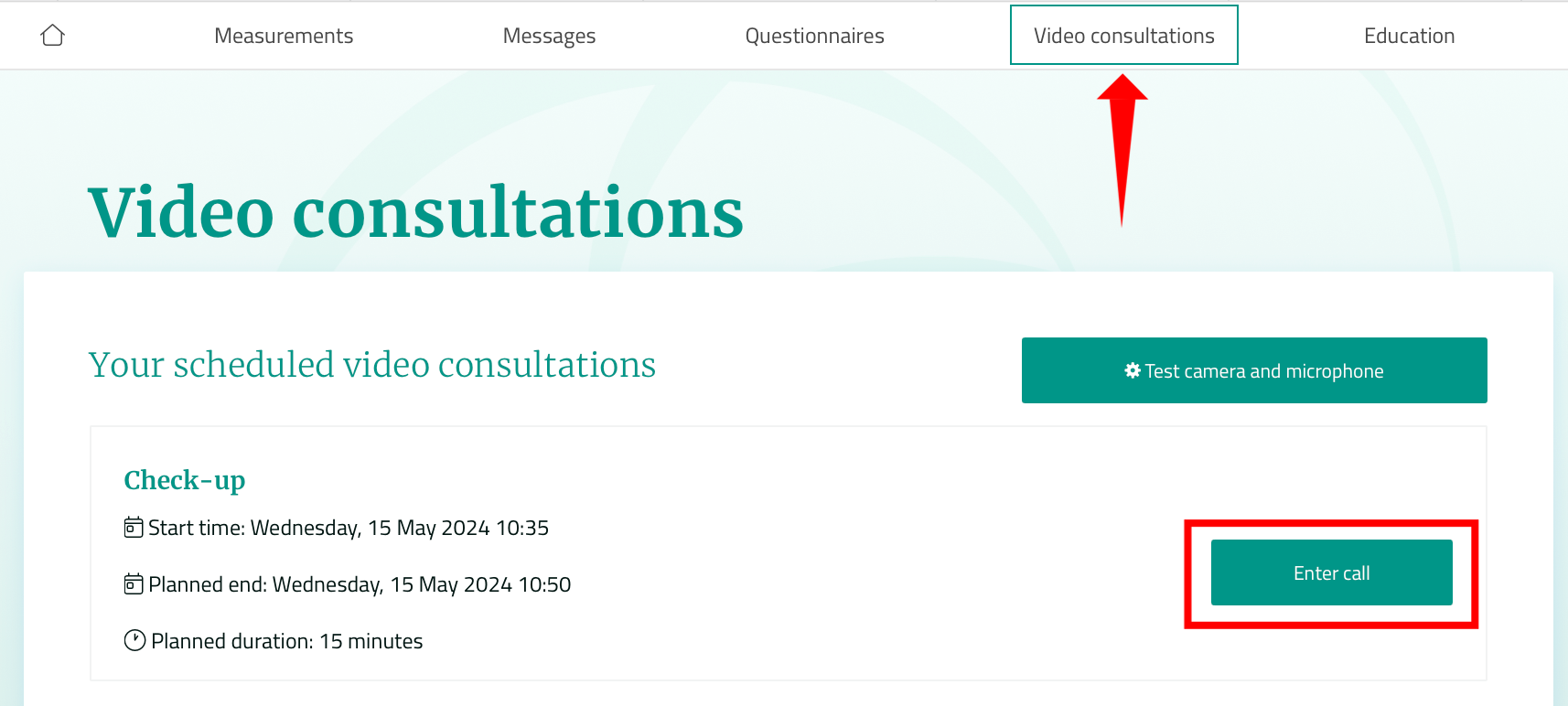
You can also click on the “Video consultations“ tab, your scheduled call will be there.
Please hit the “Enter call“ button to join. Be sure to enter the call a couple of minutes early to test your microphone and camera.
In the app:
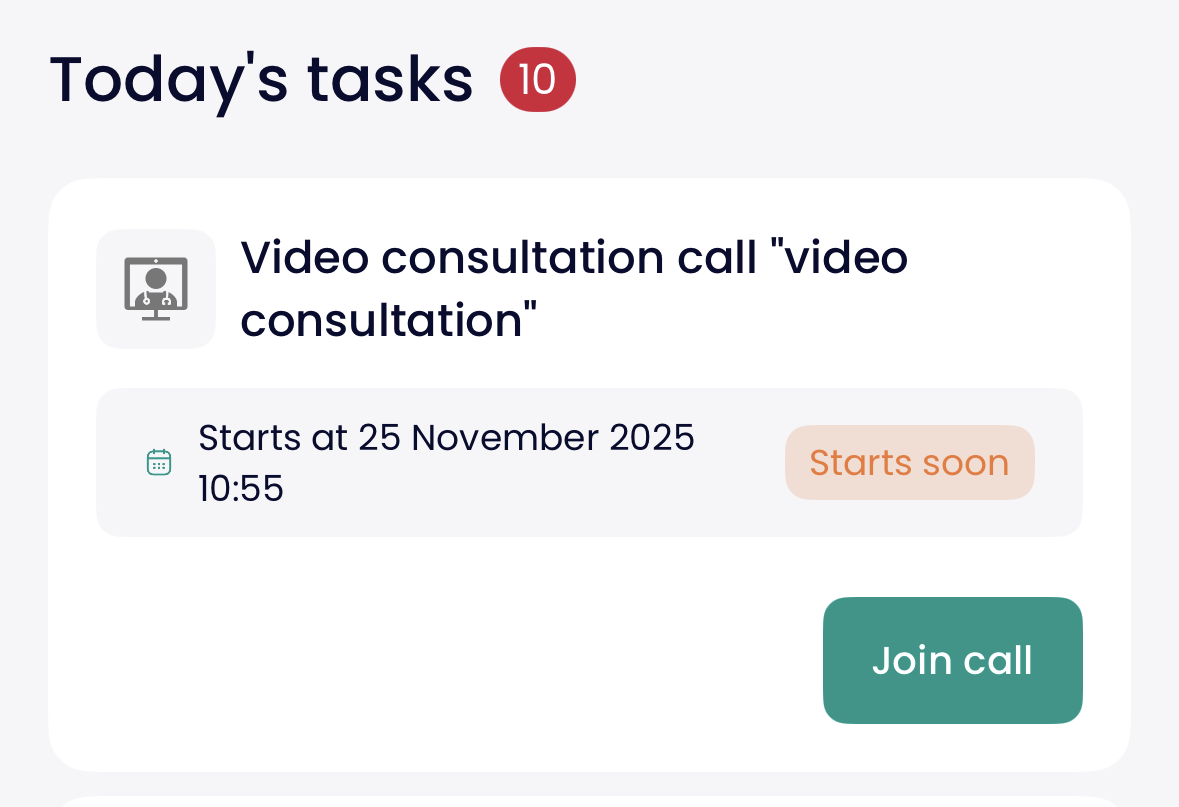
The upcoming video consultation will be the first one on your list of “Today's Tasks“ when you enter the app.
Please hit the “Join call“ button. Be sure to enter the call a couple of minutes early to test your microphone and camera.