

Logo

What are you looking for?

Get help straight from our team...

LOGIN

How do I log out?

Last updated on 20 Feb, 2026

In the mobile app:

Settings > Log out

If there is more than one patient's account logged to your mobile application, you can choose either to log out from all of your accounts or only from the active one.
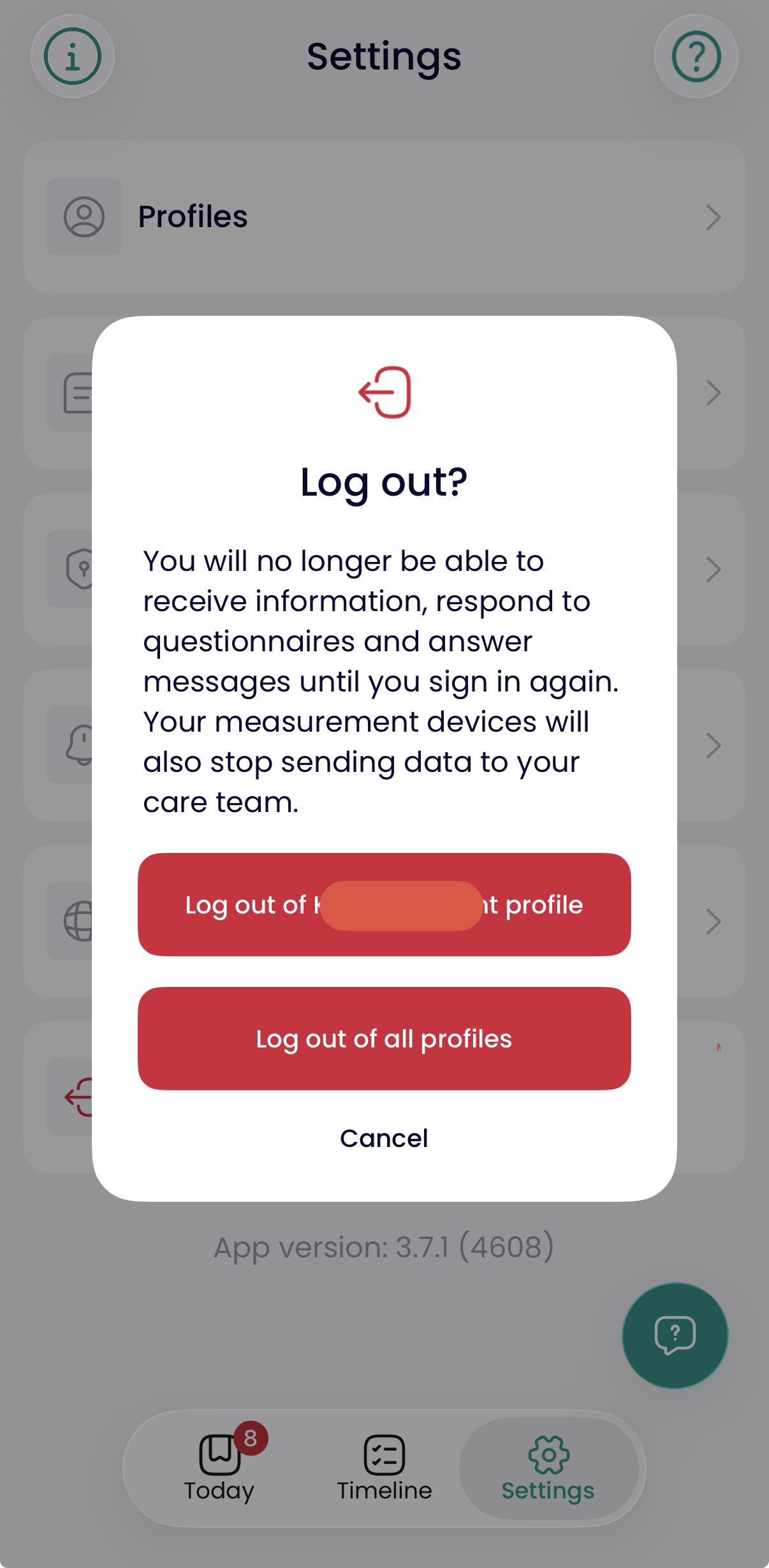
Screenshot 2026-02-20 at 10.34.15.png


 On the web:

Click on the logout button at the top of the page

20260220103801.png

Did you find this article helpful?
Previous

What to do if I have a new phone number?

Next