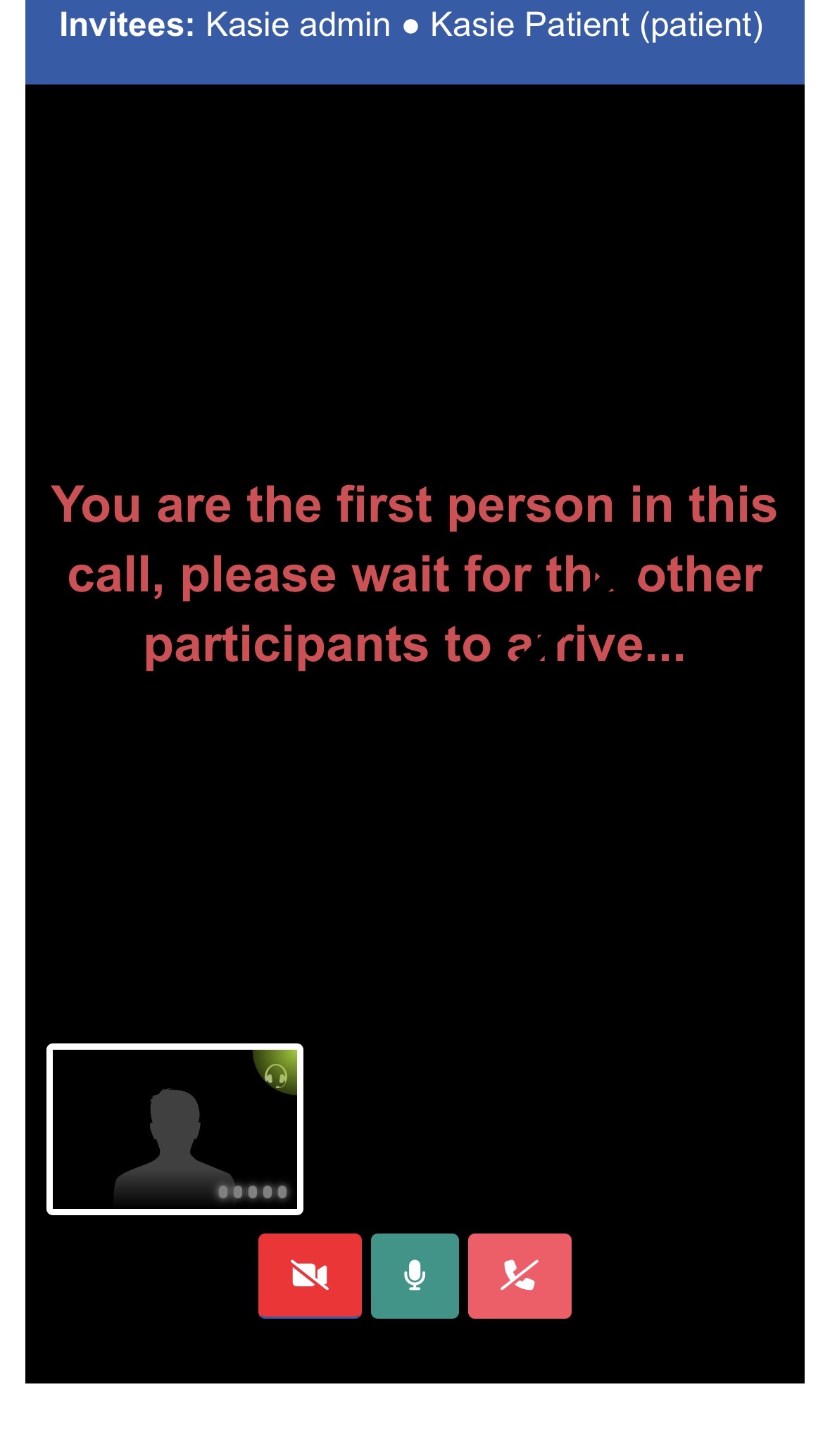

The participants of the call have the option to turn off their cameras.
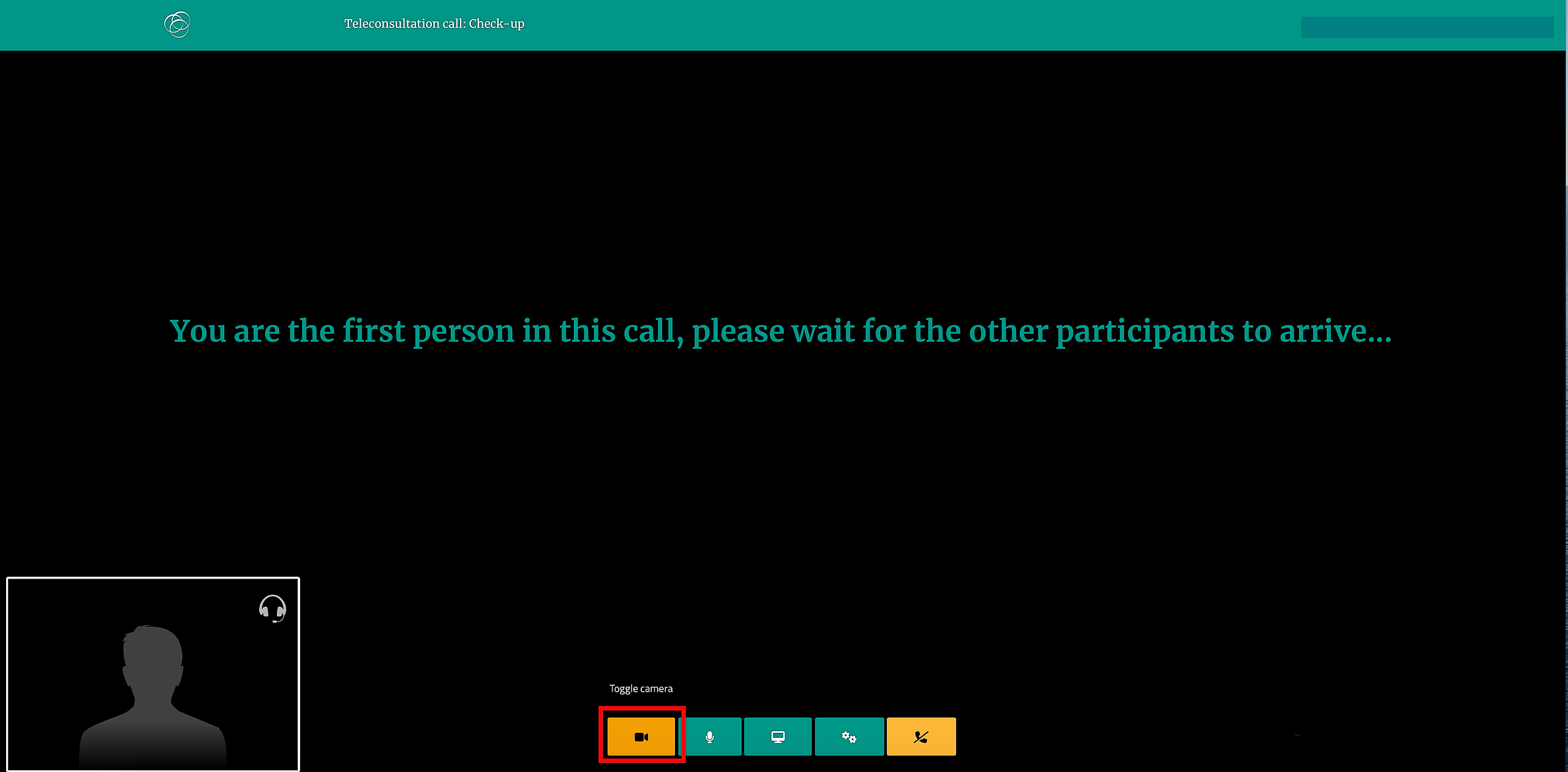
Once you are on the call, use the corresponding button at the bottom of the call screen.
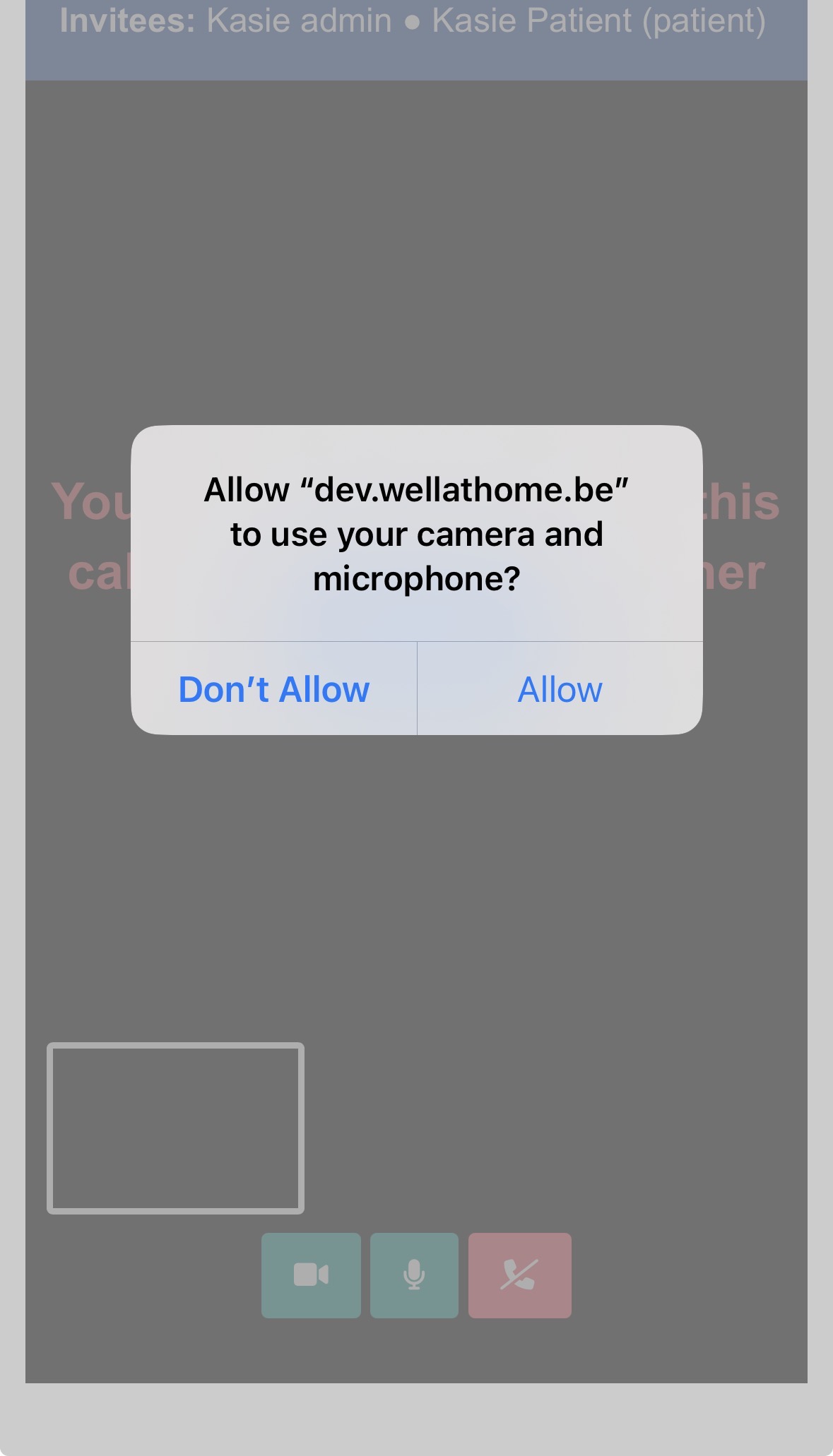
On the app, when joining the call you can either don't allow the Well@Home use camera and microphone, but in the case the other participant won't hear or see you.
Also, during the actual call you can press the video icon to switch off the video only.