

Logo

What are you looking for?

Get help straight from our team...

What devices are linked to my account?

MEASUREMENTS & DEVICES

What devices are linked to my account?

Last updated on 17 Dec, 2025

You may check this information via the mobile application only.

Please log in --> Go to Settings--> Devices

If you have no measurement devices connected to your account, there will be no devices tab in your app in settings
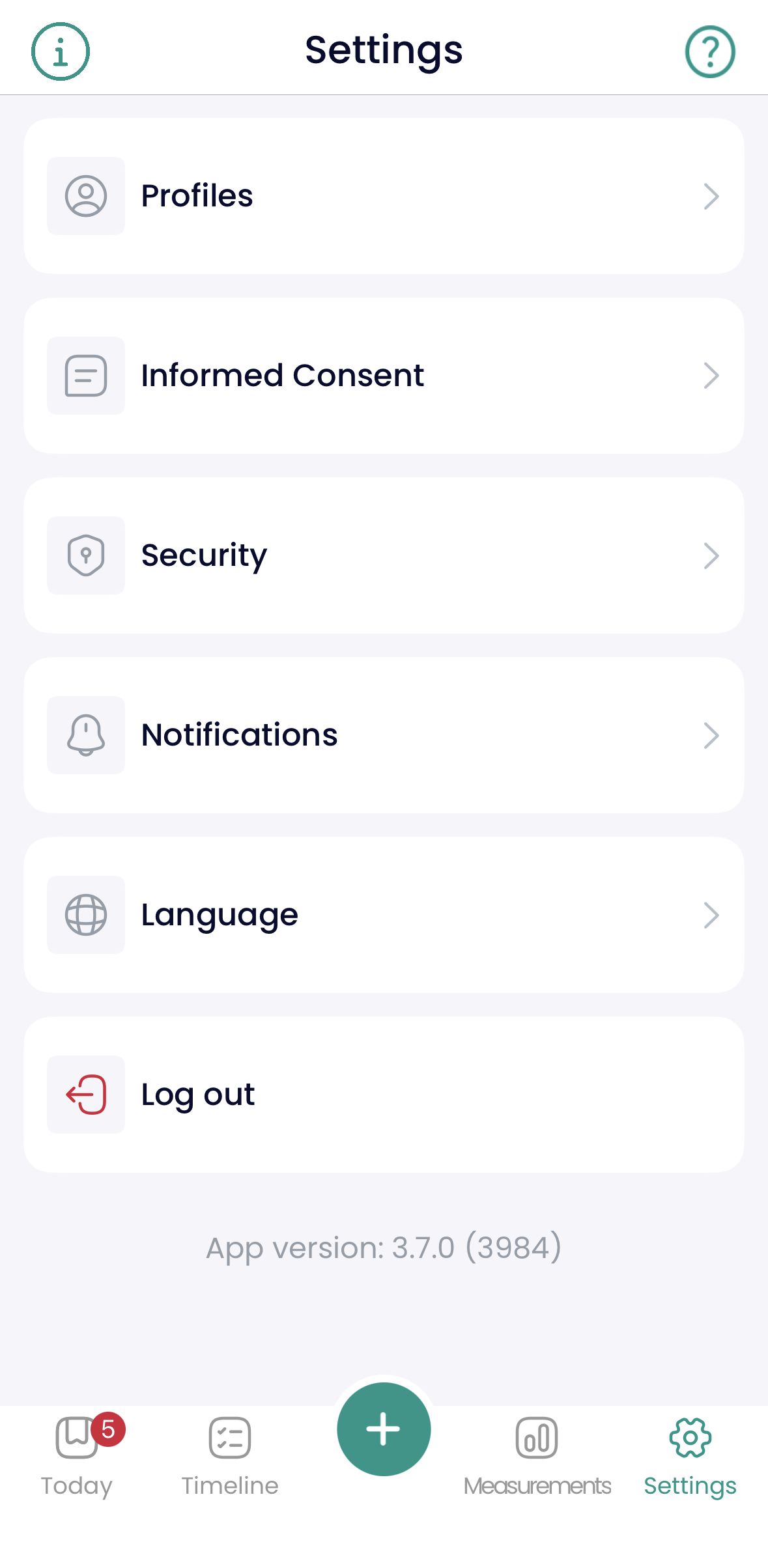
Image

In case one or more measurement devices are already connected to your account, you will see the list of them
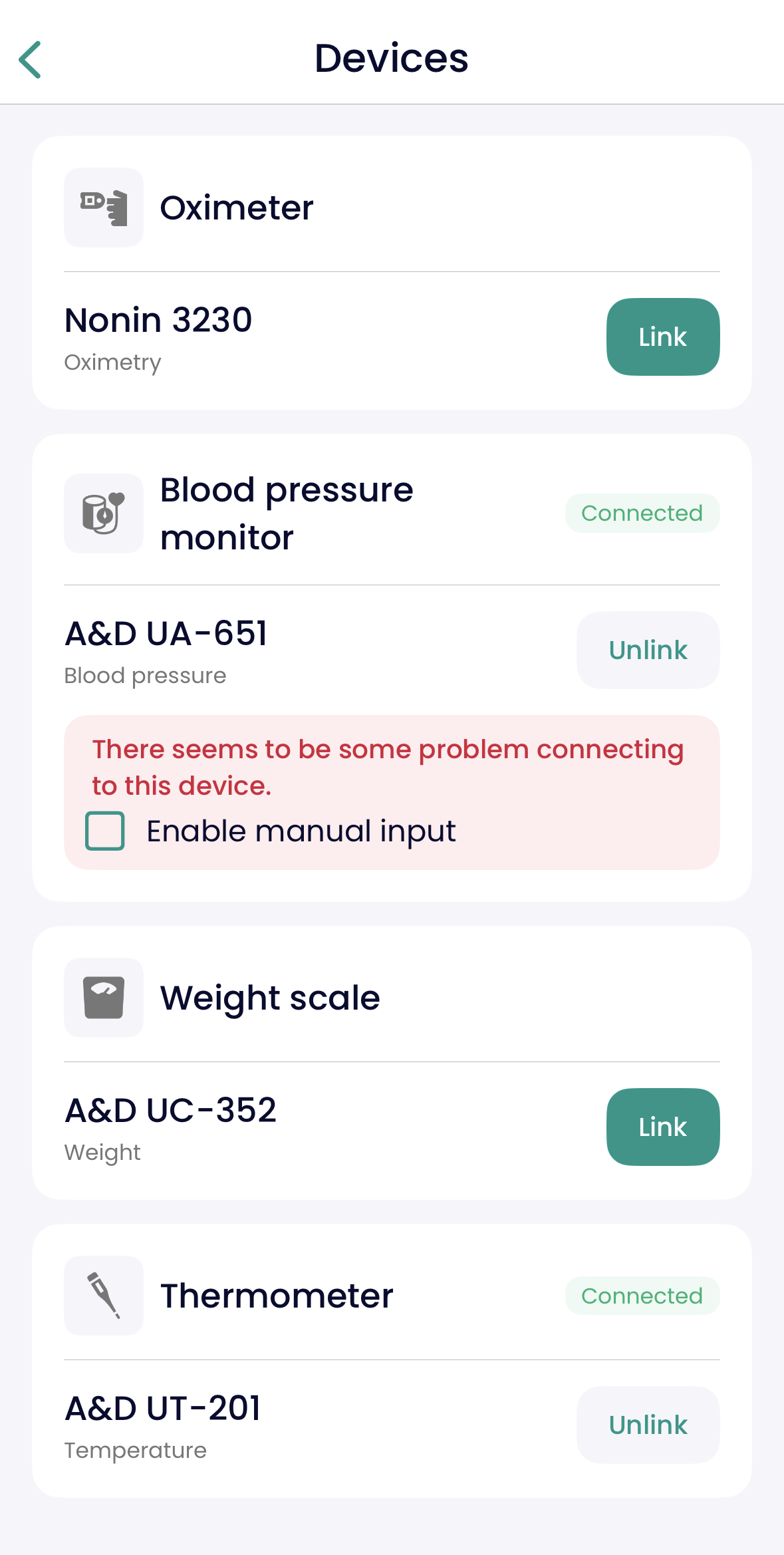
Image


Did you find this article helpful?
Previous

I'm having trouble connecting my measurement device to the Well@Home app

Next