

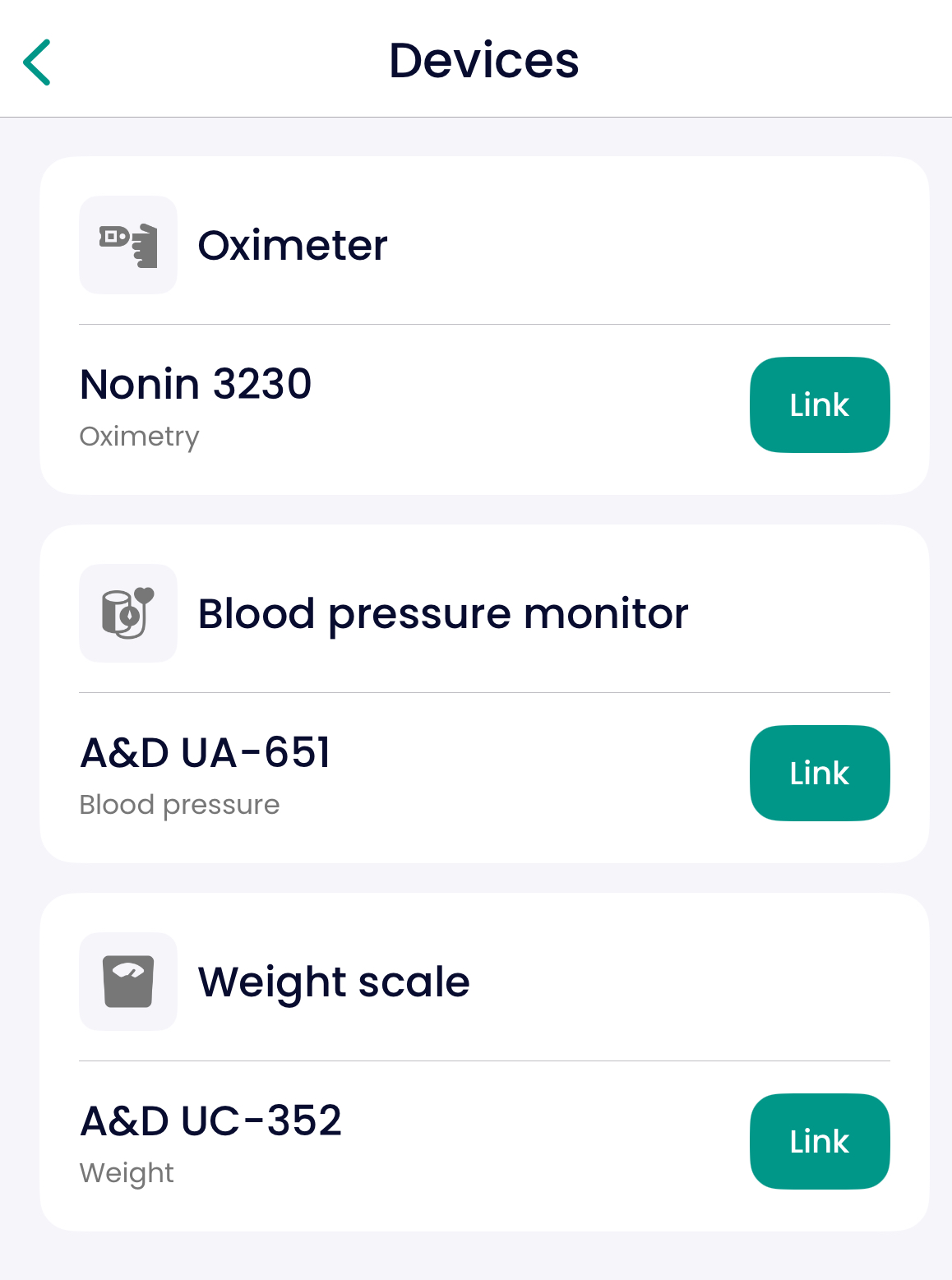
Try pairing your device again from the Devices tab (Settings --> Devices)
Make sure Bluetooth is turned on
Double-check that Bluetooth is enabled on your phone and that the measurement device is nearby.Accept pairing requests
Some smartphones ask for permission when connecting to a new device. Always accept the prompt.Ensure a stable internet connection
Results are only sent if your phone has internet access. Use Wi-Fi or mobile data.!!! For Android devices (version <12)
Make sure your phone’s location services are turned on. (This does not share your physical location — it simply allows Bluetooth to function correctly.)
If you still are having troubles, be sure to check out the related articles as they may help you solve the issue with the device.
In case nothing helps, please contact your Care Team directly.