

When can I enter a value manually?
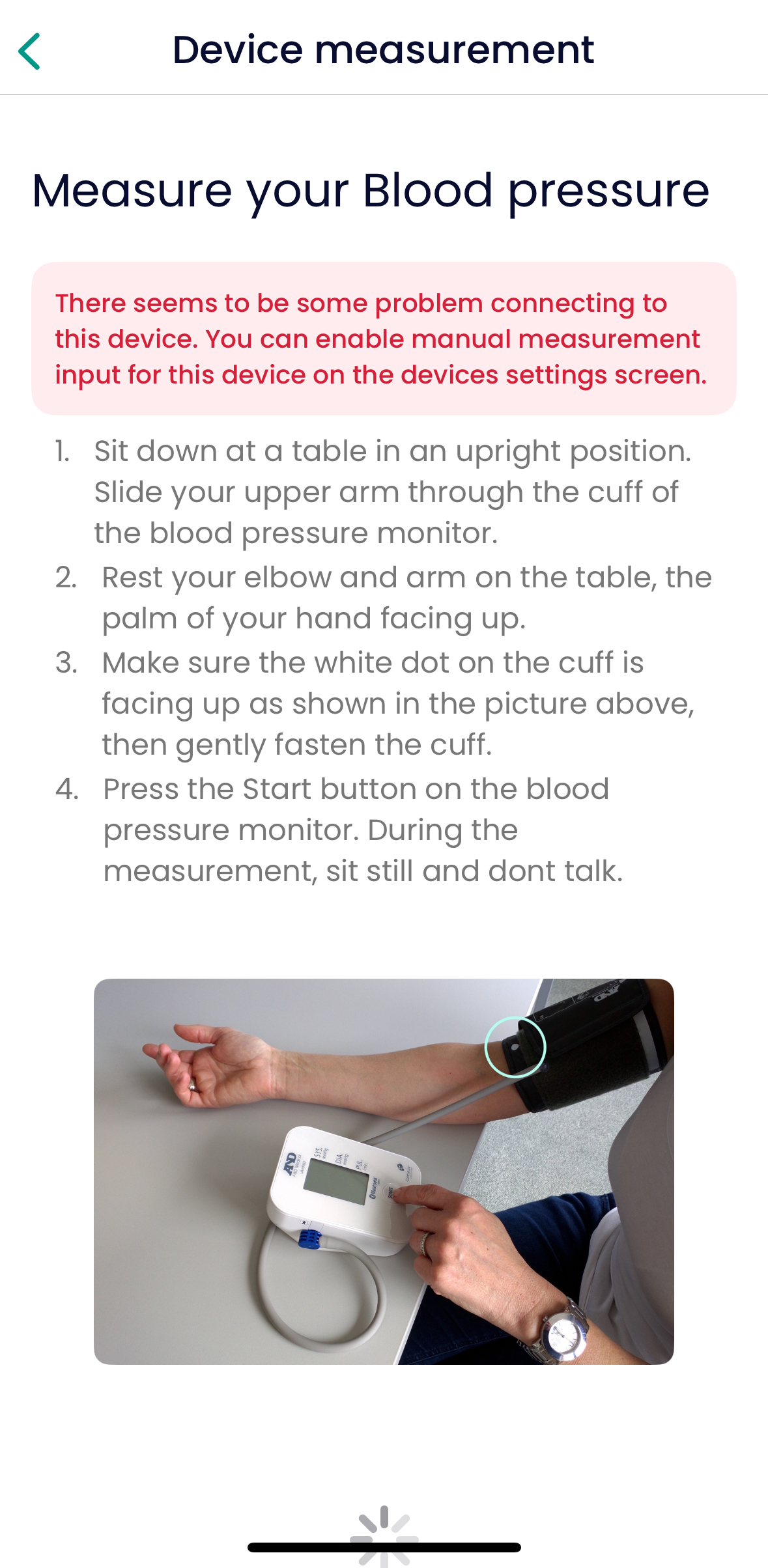
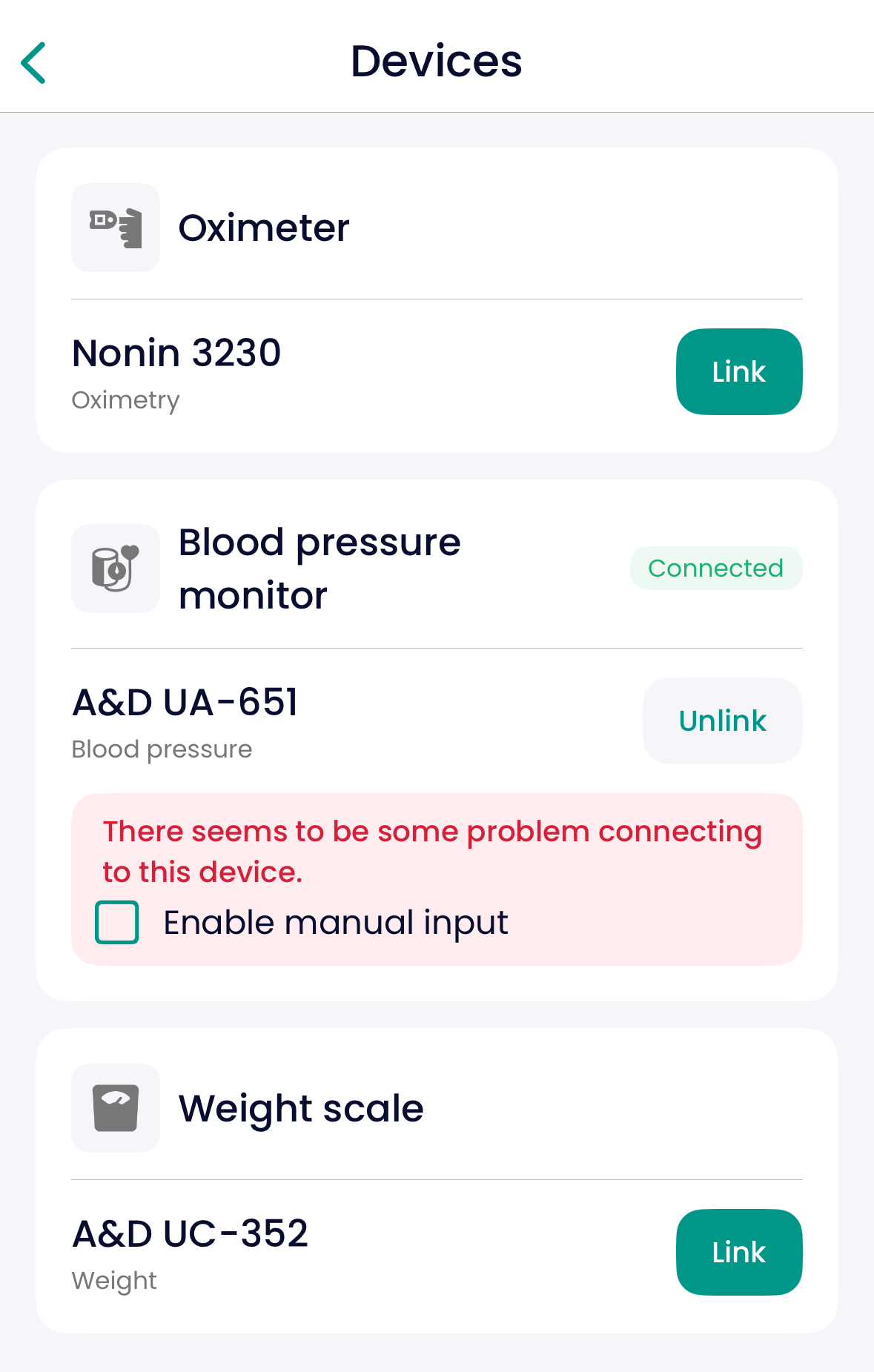
If your phone has trouble connecting to the device multiple times, the app will show you a message saying something like:
“There seems to be a problem connecting this device. Enable manual input.”
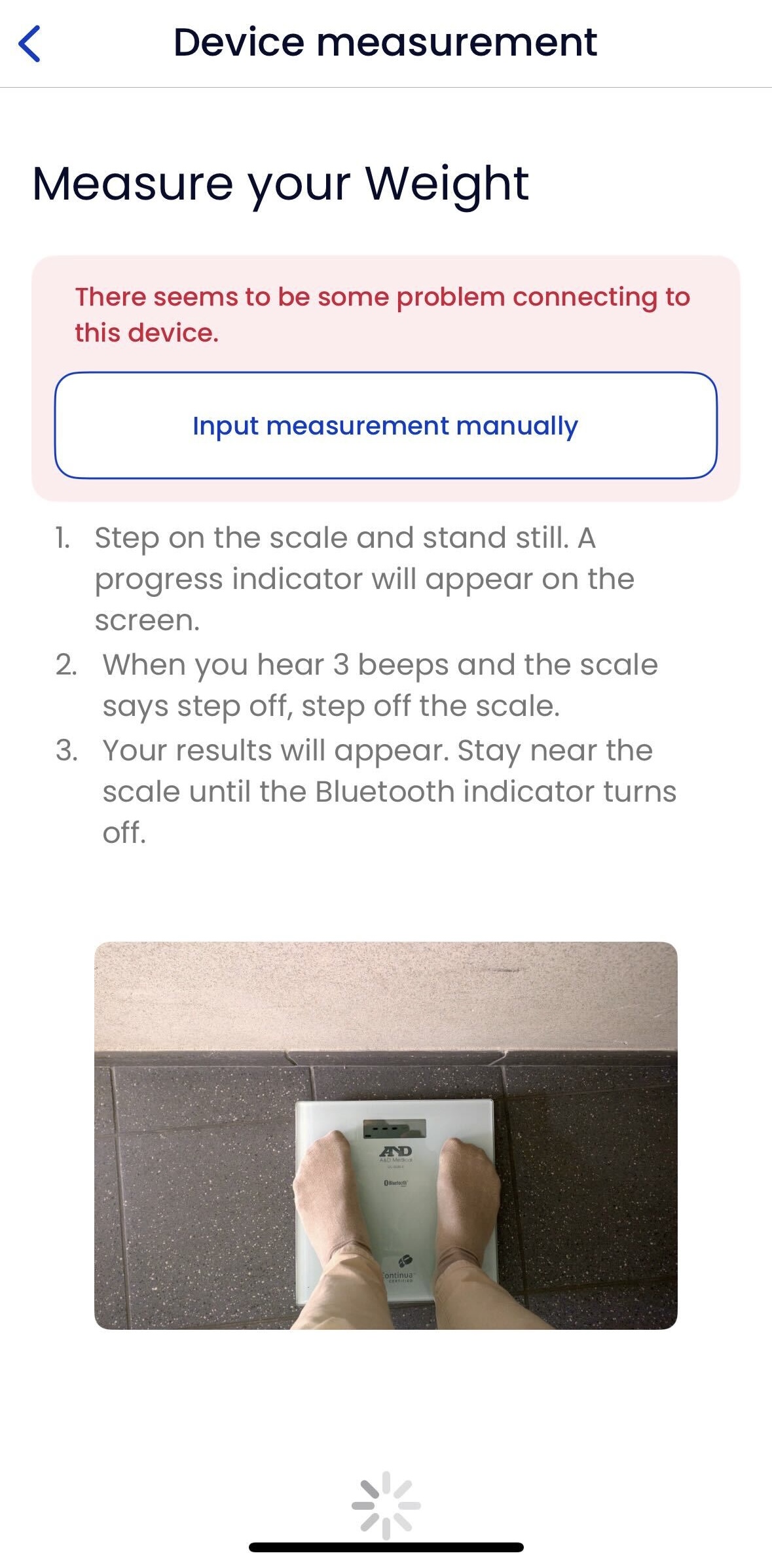
You’ll then see a new button:
Input measurement manually— tap this to fill in your result yourself.
Where will I see this?
On the measurement instruction screen
On the device pairing screen
! Kindly note that this only works if your care team has enabled this option for you.